Guides6 min read
How to choose FiveM scripts: what to check before you buy
A checklist for FiveM server owners that works on any seller, 5CODE included. Each check says where to look and which answer should make you wait.
Frida JoyPublisher at 5CODE
- Published
- Last updated
On this page10
The short version
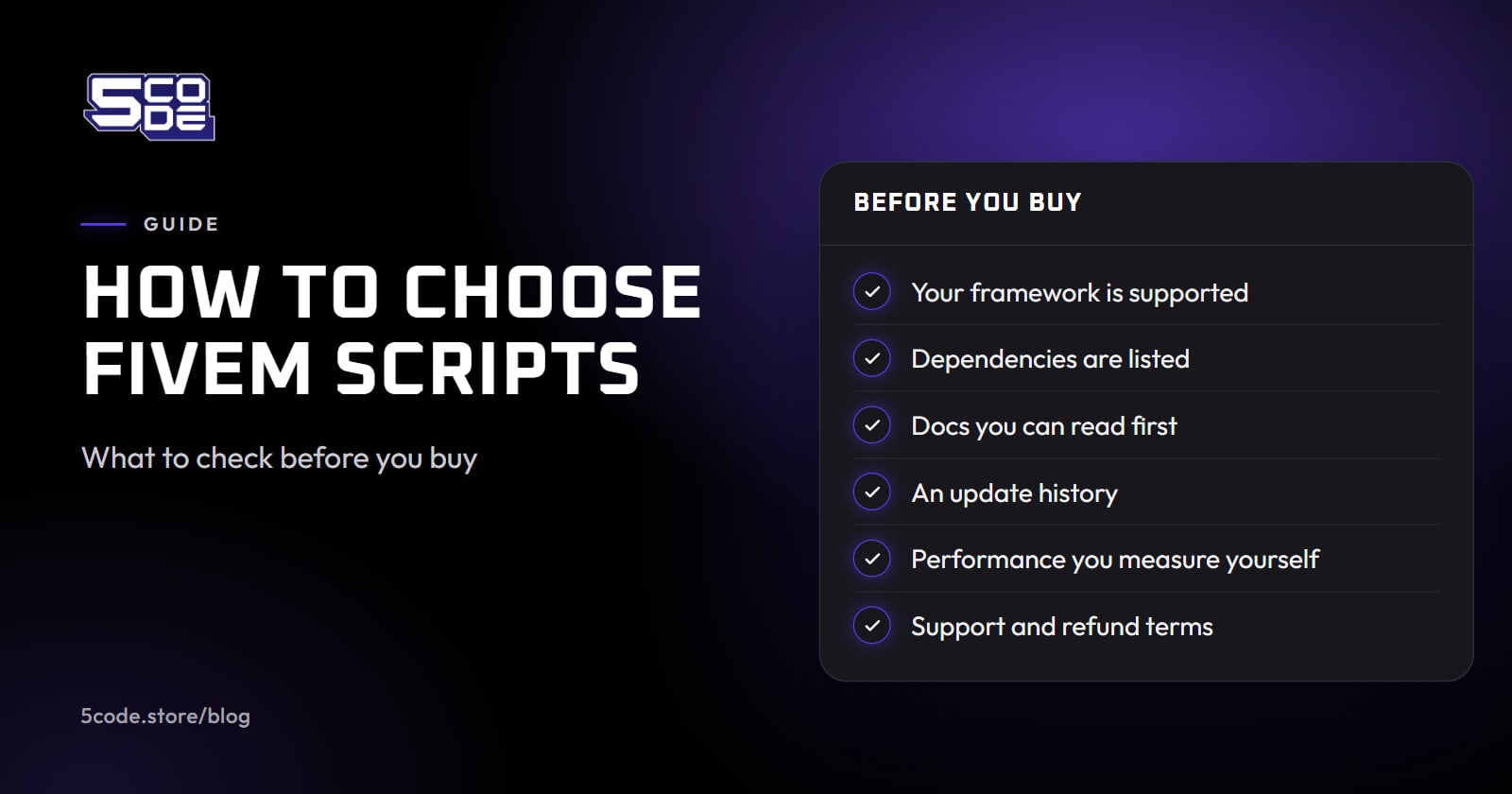
To choose FiveM scripts, hold every listing against your own server before you pay: the frameworks it names, its requirements, which files stay open after escrow, a dated changelog, a support channel that answers and the refund terms. Then measure the script with resmon on a test server before players get it.
No "best FiveM scripts" list fits every server, because a script that runs well on one stack can refuse to start on another. The same checks apply to a free resource, minus the refund row: Cfx.re's transfer rule covers claiming a free asset as well as buying one.
Start from your server: QBCore, Qbox or ESX
Write down what your server runs before you open a store page: the framework and its version, the inventory, the target resource, the database resource and your FXServer build.
Framework support should be stated per framework, with a requirements page behind it. Qbox needs its own check. Its FAQ (opens in a new tab) says most QBCore scripts work "without any modifications" through a bridge layer, with exceptions such as "direct access to database tables". A listing that names only QBCore makes no promise for Qbox, so ask.
Ask before the checkout. Tebex's support guidance for sellers (opens in a new tab) includes a sample reply that turns down a refund because "the issue is a compatibility mismatch".
Read the requirements and the docs before you pay
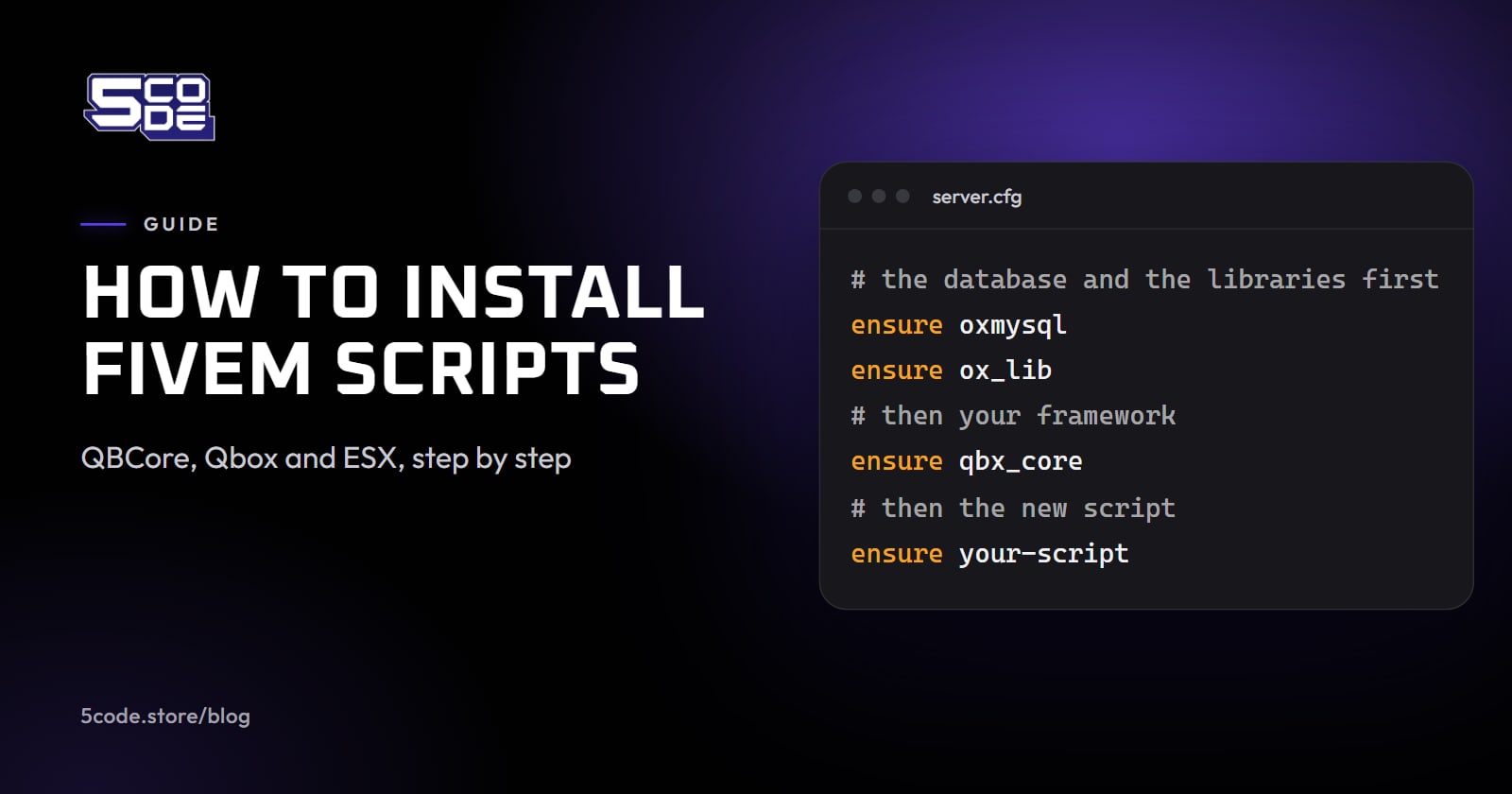
The usual dependencies are a database resource such as oxmysql, an inventory and a target resource, a library such as ox_lib, and OneSync or a minimum server build. A good requirements page also says what is optional and what each optional resource adds. Recognition requirements and supported frameworks walks through that check for one script, and how to install FiveM scripts covers the start order once you have bought.
Cfx.re's release rules for its forum (opens in a new tab) give a ready-made checklist. A paid or escrowed release there must end with a short table: whether the code is accessible, whether it is subscription-based, its requirements and dependencies, and whether it comes with support. The rules also ask for "performance indicators for scripts (resource monitor numbers, profiler screenshot, …)". Public docs should cover the rest, such as the install and the known limits.
Escrowed FiveM scripts: what stays open and who can run them
Paid FiveM scripts sold through Tebex can be protected by Cfx.re Asset Escrow (opens in a new tab). Its docs say "Currently Lua, YFT, YDD, and YDR files are supported" and "New User Interface (NUI) is not currently supported." The creator picks the files that stay readable with the escrow_ignore directive. Cfx.re's forum rules also say releases should not use third-party obfuscation or remote code loading; a script that does either is a red flag wherever it is sold.
So ask which files stay open, and whether they are enough to connect the script to your inventory and target resources. An integration that sits in a locked file can only be changed by the seller.
Escrow also ties a script to the Cfx.re account that bought it. Cfx.re support says (opens in a new tab) "Assets you download will only work on servers that you own", so buy with the account that holds the server's license key.
Cfx.re's transfer guide (opens in a new tab) allows a transfer "once and only within 28 days" of the purchase, and it cannot be reversed. A subscription-based asset is removed from your account when the subscription expires.
Leaked FiveM scripts and Cfx.re's rules
In August 2025 Cfx.re announced "two-week suspensions to all servers who are confirmed to have used leaked assets", and permanent termination for servers caught again. The same asset security announcement (opens in a new tab) says "only Tebex-accredited creators are authorized resellers of FiveM and RedM assets."
Measure performance on your own server
A seller's resmon figure was taken on the seller's setup, not on yours. Measure on a test server that runs your own stack:
- Start the client in developer mode. Without it the console answers "Access denied for command resmon". Cfx.re's console docs (opens in a new tab) give two ways to switch it on.
- Open the resource monitor in the F8 console. It shows CPU usage and memory for each resource.
- Read the script idle and in use: once while nobody uses it, then while you and a few staff use its features.
- Profile the server side.
resmononly measures your client. Cfx.re's profiler docs (opens in a new tab) describe the server profiler as a way "to help find hitch warnings" and call 500 frames "a good starting point". - Write the readings down next to your other resources, and measure again after each update.
resmon trueprofiler record 500
profiler status
profiler viewprofiler view prints a link that you open in Chrome.
Updates, support and refunds
- A changelog with versions and dates. It shows whether the script is maintained, and a good one names every change to the open files so you can merge your edits. If the seller of an escrowed script stops, nobody else can fix the locked code.
- What an update replaces, so you know which files to back up first.
- A support channel you can reach before you buy. Put your compatibility question there and keep the answer.
- The store's own refund page, next to the checkout's general terms. If a purchase is final, the checks above are your protection.
A checklist for buying FiveM scripts from any seller
| Check | Where to look | Red flag |
|---|---|---|
| Framework | Listing and requirements page | No framework named, or "works with everything" |
| Dependencies | Requirements page | The list appears only after you pay |
| Open files | Docs, or ask the seller | Nobody can say which files you may edit |
| Docs | Public docs site | Docs only after the purchase |
| Updates | Changelog | No versions or dates |
| Performance | resmon on your test server | A figure with no method behind it |
| Support | Discord or ticket desk | Questions before the sale go unanswered |
| Refunds | The store's refund page | No refund terms anywhere |
| Account | Your Cfx.re login at checkout | Bought on a staff member's own account |
| Source | The seller's own Tebex store, or its Cfx Marketplace listing | A paid script offered free or cheap elsewhere |
Where 5CODE stands on this list
5CODE sells 3 scripts. Its own pages answer the list like this:
- Frameworks. Recognition: QBCore, Qbox, ESX Legacy and Standalone. Loadouts: QBCore, Qbox and ESX. Admin Panel: QBCore, Qbox and ESX. The framework is auto-detected, and each script's page lists its requirements.
- Price. Recognition €30 (one-time), Loadouts €30 (one-time) and Admin Panel €30 (one-time), through the 5CODE store on Tebex.
- Docs. The docs of every script are public, with a requirements page and an install guide each. Recognition and Admin Panel also have a known-limitations page, and their changelogs name every release that changes an open file.
- Open files. 5CODE's terms say a script's open files (the settings, the translations and the bridge) may be changed for your own server. For Recognition and Admin Panel these are
config.lua,config_server.lua, the locale files and thebridgefolder, which stay open after escrow. - Account. A purchase goes to the Cfx.re account you log in with at checkout, for your own servers.
- Support and refunds. Support is on Discord. The refund page says a purchase is final and is not refunded unless consumer law gives the buyer that right, and that 5CODE gives no refunds beyond Tebex's terms.
- Performance. Measure it with the steps above. The Recognition docs say the same for the cost on a player's machine: check it with
resmonon your own server.
Where to go next
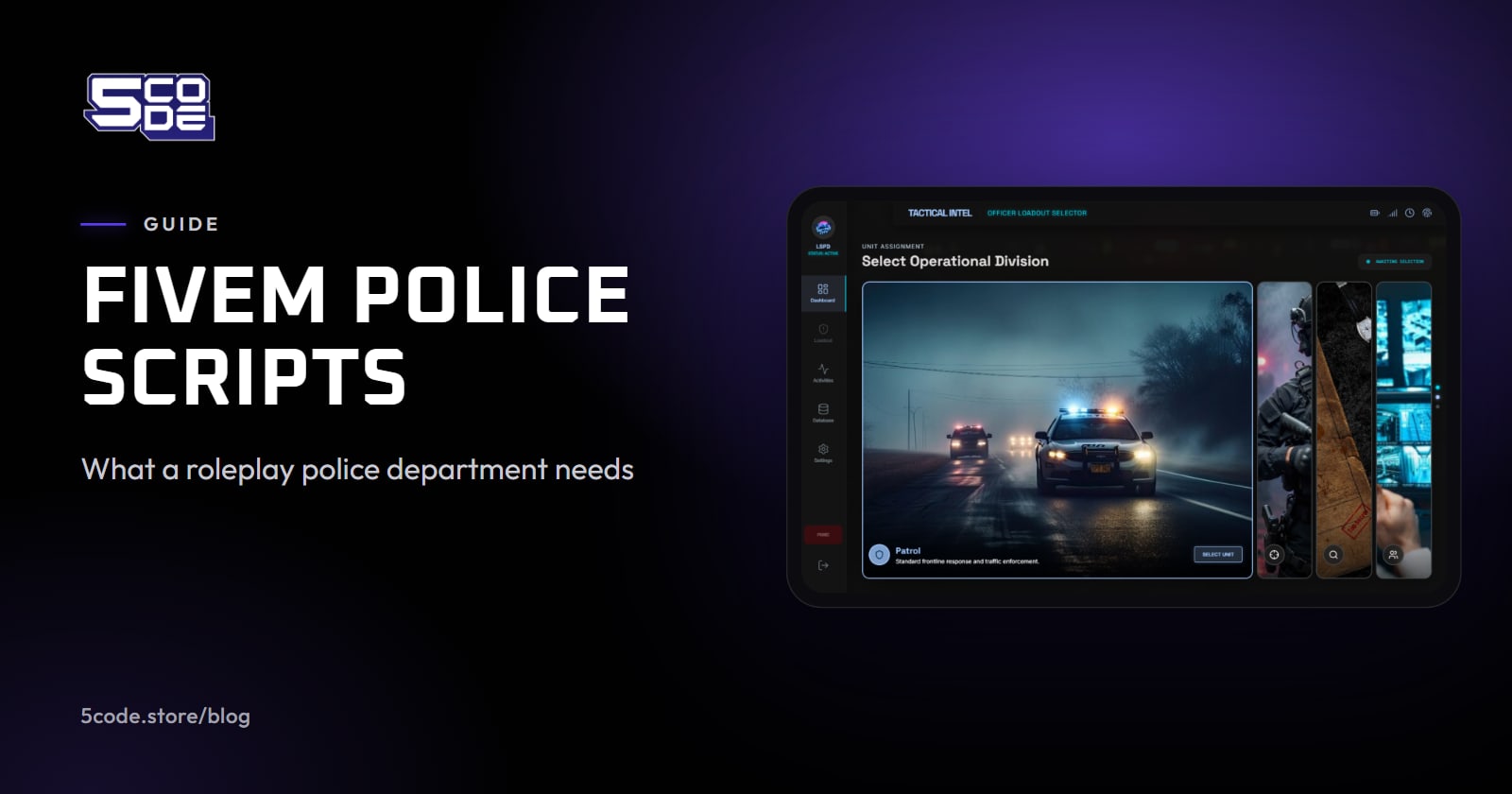
To run the checklist on 5CODE, start from the 5CODE scripts and open the page of the one you need. For a police department, FiveM police scripts maps the parts first. If the fit is still unclear, ask on the 5CODE Discord server before you buy; the contact page links it.