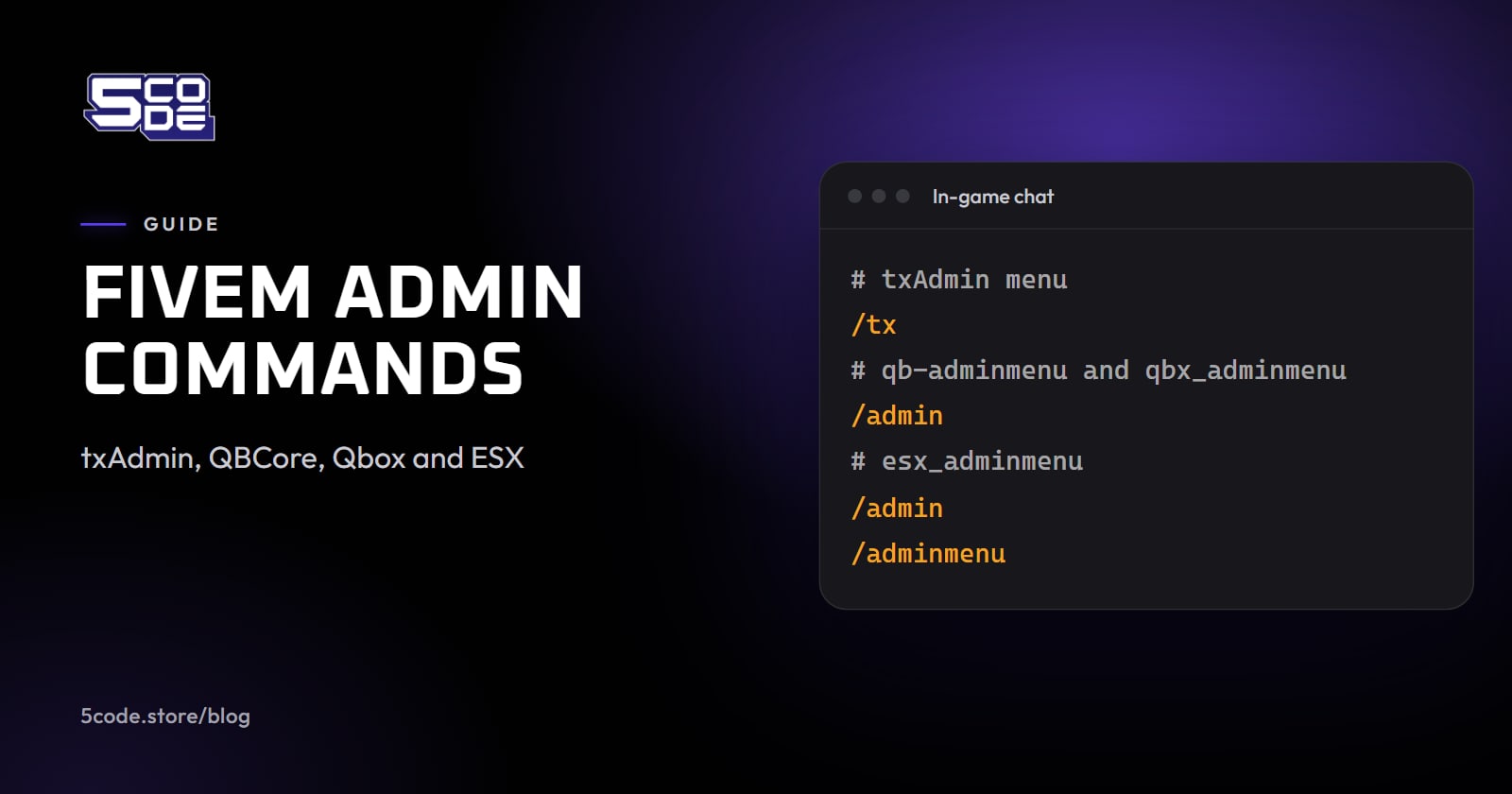
FiveM admin commands list: txAdmin, QBCore, Qbox and ESX
FiveM admin commands for txAdmin, QBCore, Qbox and ESX, read from each resource's code: what they do, who may run them and why one says no permission.
Frida JoyPublisher at 5CODE
Logged in as
Buy on a script's page opens the payment without another login. The login ends when you have bought, or after an hour.
How the 5CODE scripts work, and how to set them up on your server.
FiveM admin commands for txAdmin, QBCore, Qbox and ESX, read from each resource's code: what they do, who may run them and why one says no permission.

FiveM police scripts explained: what the QBCore, Qbox and ESX police jobs already ship, what needs its own resource, and which job names and grades must match.
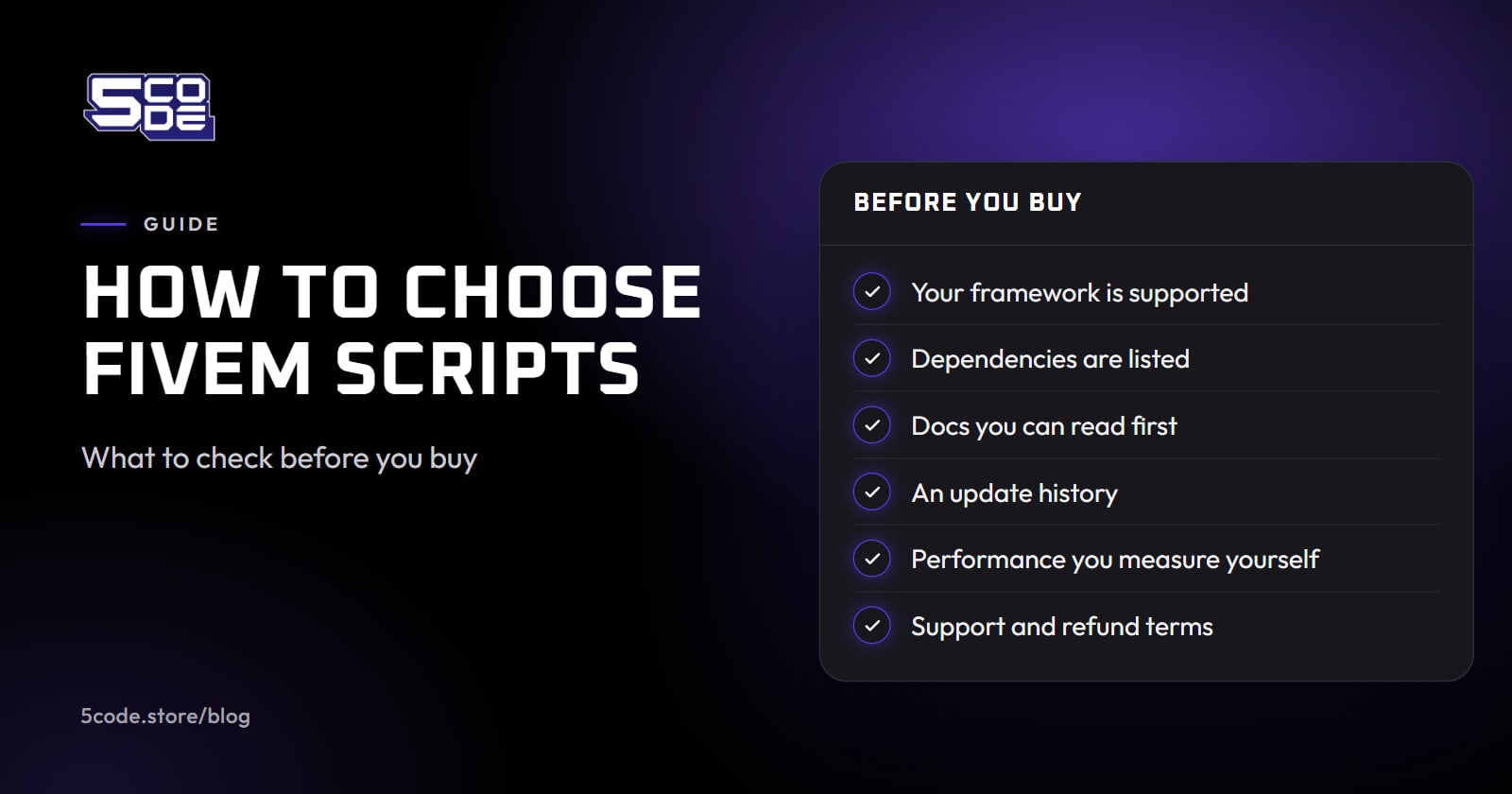
How to choose FiveM scripts before you buy: framework fit, dependencies, escrow, updates, support, refunds and resmon, with a red-flag table for any seller.
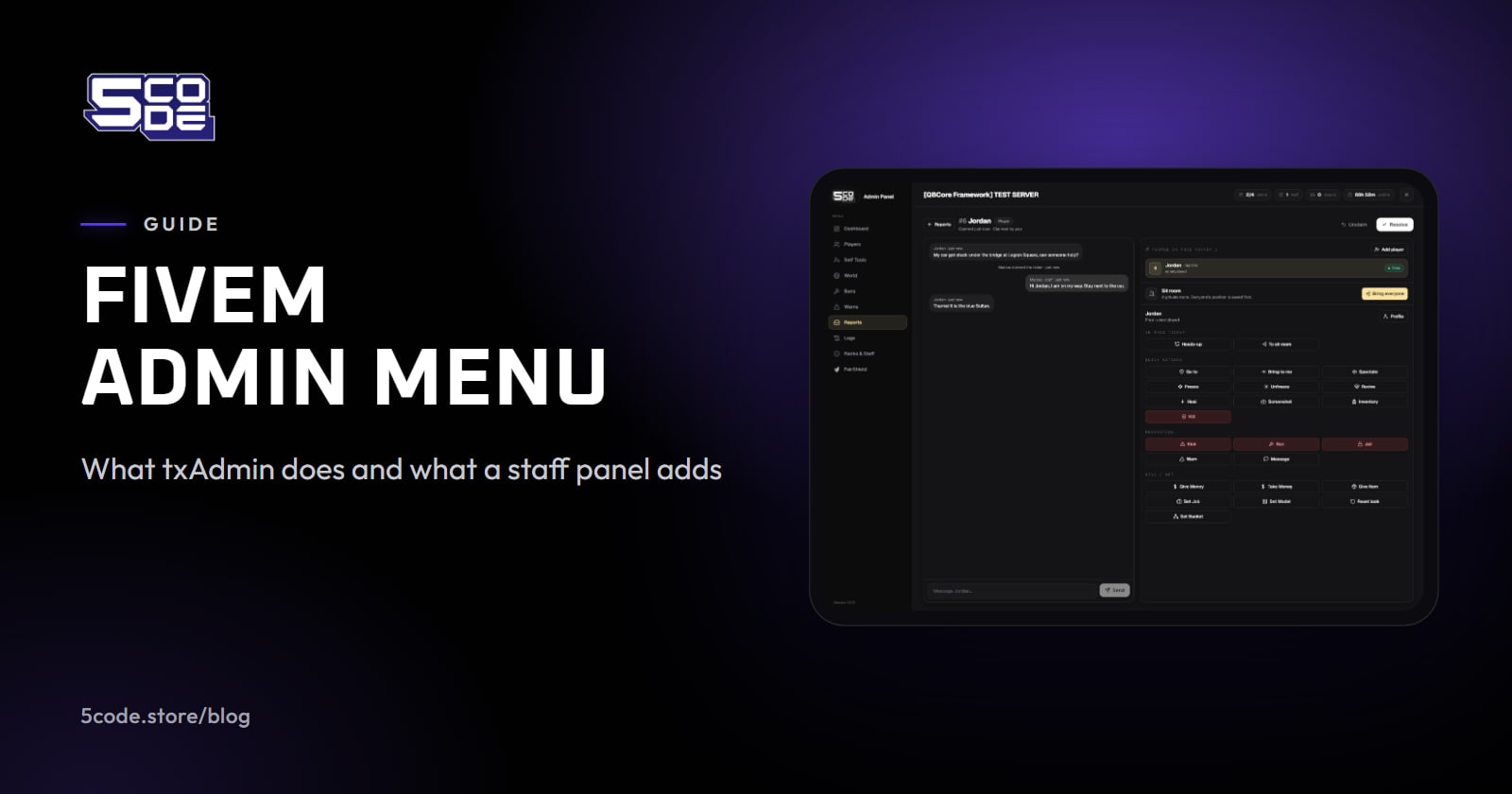
A FiveM admin menu comes with txAdmin. See what it covers, how txAdmin admins and ACE permissions work, and what a staff panel adds: tickets, sits and ranks.
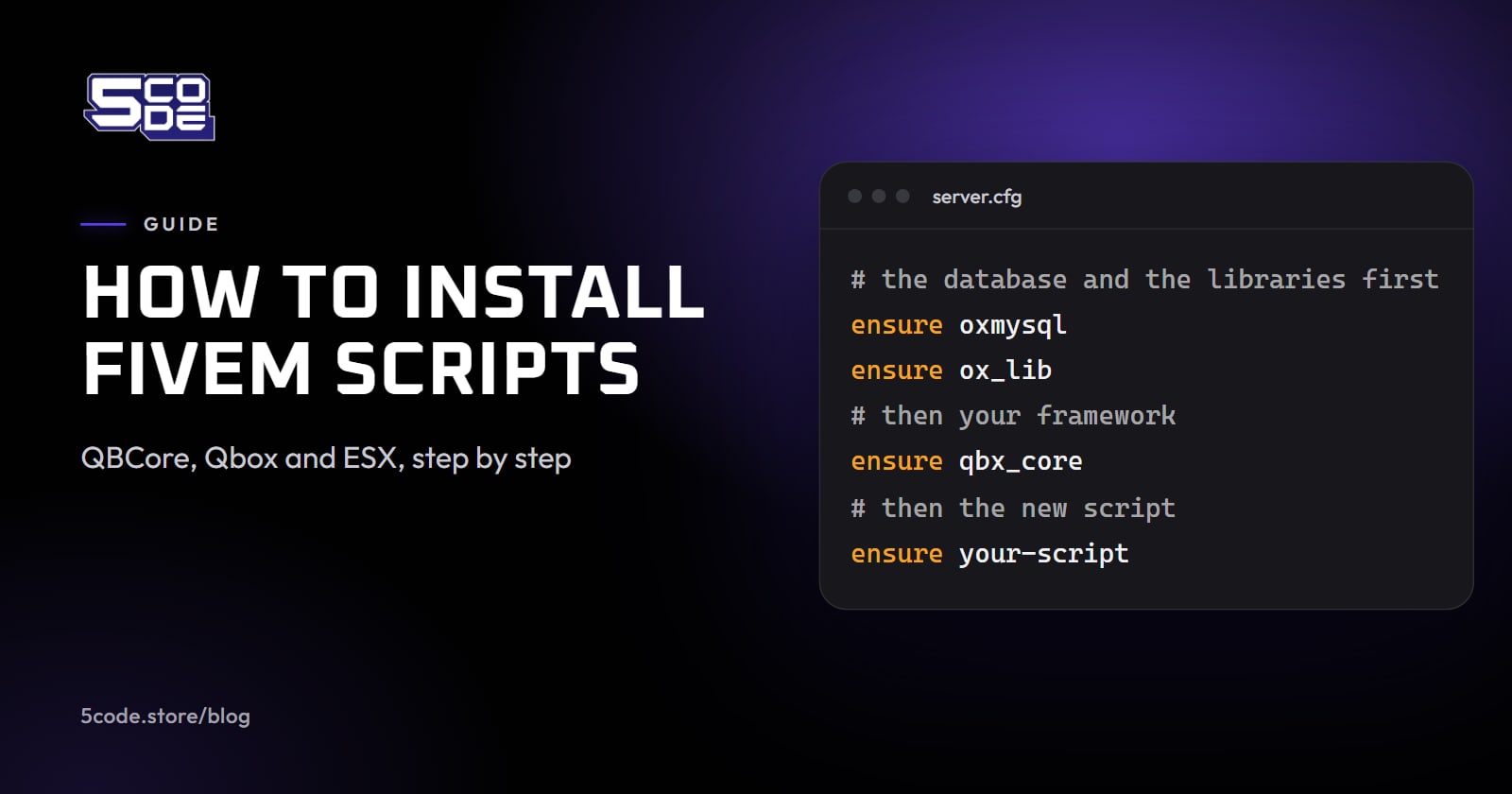
How to install FiveM scripts on QBCore, Qbox and ESX, escrowed ones too: the resources folder, SQL, the ensure order in server.cfg and what each error means.

Character recognition in 5CODE Recognition: a scan reads voice, clothing, face and tattoos, four cues add up to one reliability score, and memories run out.

Police loadouts per unit in 5CODE Loadouts: who gets access, the seven units, the grade map, kits built in game and the deposit that comes back on return.

5CODE Recognition requirements: QBCore, Qbox, ESX Legacy or no framework, the four things a FiveM server must have, and what each optional resource unlocks.