Guides7 min read
FiveM admin commands list: txAdmin, QBCore, Qbox and ESX
Tables for QBCore, Qbox and ESX, plus txAdmin's commands: what the admin commands do, which permission the code checks, and why a command answers no permission or nothing at all.
Frida JoyPublisher at 5CODE
- Published
- Last updated
On this page9
The short version
FiveM admin commands come from four places: txAdmin, your framework's core (qb-core, qbx_core or es_extended), its admin menu (qb-adminmenu, qbx_adminmenu or esx_adminmenu) and the server console. Each source checks permissions its own way, so being an admin in one does not always make you an admin in another. The tables below are a FiveM admin commands list per framework, read from each resource's code on 2 November 2026. Your server may have changed some of them.
Where FiveM admin commands come from
| Source | Typed in | Who passes |
|---|---|---|
| txAdmin | Game chat | Admins in its own Admin Manager |
| qb-core, qb-adminmenu | Game chat | Members of the command's level, such as qbcore.admin |
| qbx_core, qbx_adminmenu | Game chat | Members of group.admin, plus opt-in |
| es_extended, esx_adminmenu | Game chat, some in the console | Members of the ESX group, such as group.admin |
| FXServer | Server console, no slash | Console access |
How txAdmin admins and ACE permissions work covers the server.cfg side.
Why a command says no permission, or nothing
| You see | Likely cause |
|---|---|
| Access denied for command | You and your groups lack the ACE for that command |
| /tx: The txAdmin Menu is not enabled! | The menu is switched off in the txAdmin settings |
| Qbox: You are not opted in for admin duty | You have not typed /optin, which needs group.admin and the admin ACE |
| A different menu opens | Two resources use the same command name |
| /giveitem missing on ESX | es_extended skips its item and weapon commands when ox_inventory is in your resources |
| ESX: Command Cannot be executed from console | The command needs a player in game |
| QBCore: a command missing from chat suggestions | You may not use it |
On ESX, esx_adminmenu starts after es_extended and registers /goto and /bring again, so its versions answer, and they check its own group list: admin only by default.
txAdmin commands: /tx, /txadmin and key bindings
From txAdmin's menu docs (opens in a new tab) and its menu code (opens in a new tab):
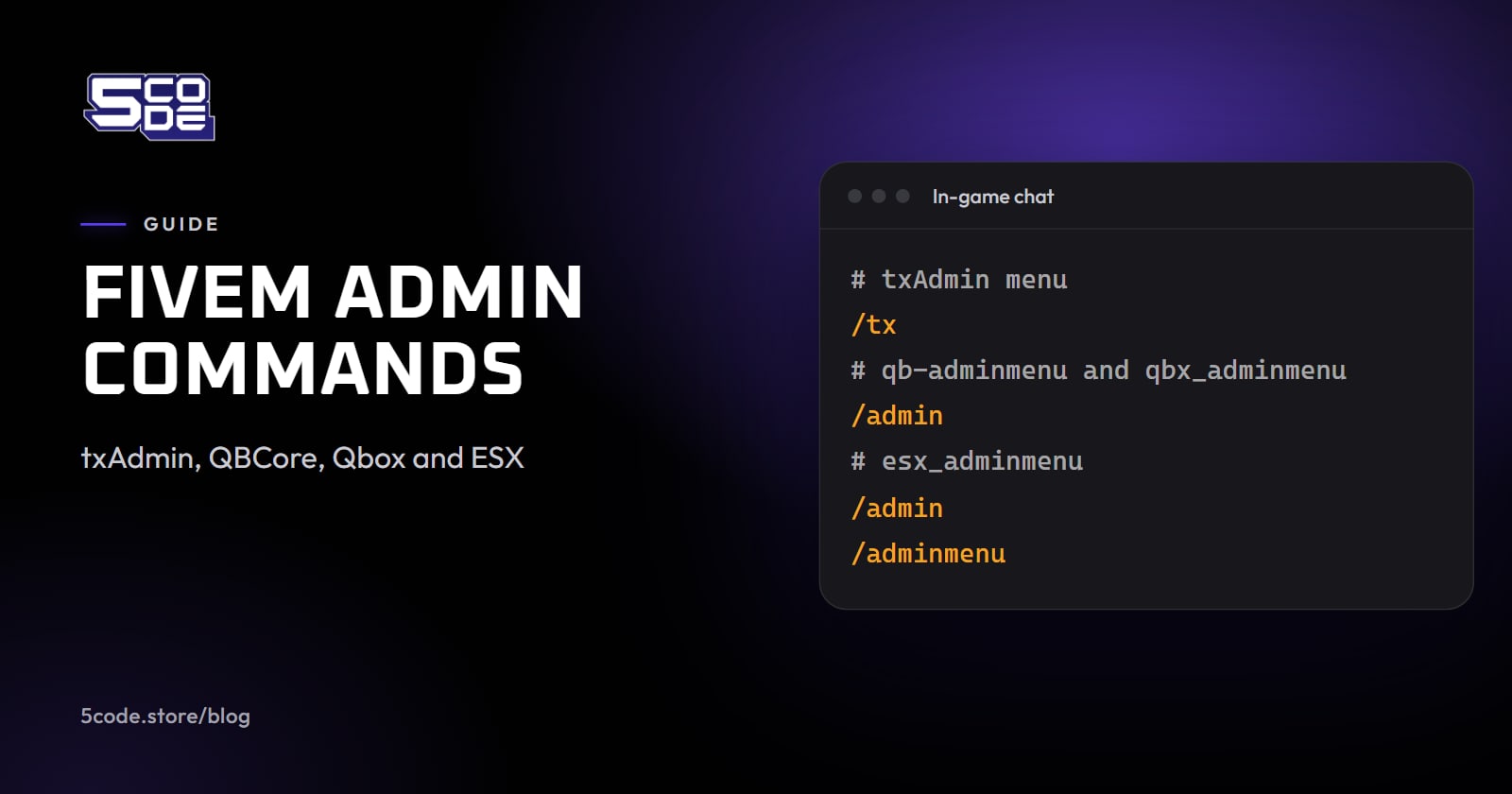
- /tx or /txadmin opens the menu. A server ID or name after it opens that player's page. Only admins registered in the txAdmin Admin Manager, with a Discord or Cfx.re identifier, get in.
- /txAdmin-reauth retries the sign-in after a red error. It needs no permission.
- 13 key bindings, from Open Main Page to noclip, teleports and vehicle tools, appear under Game Settings > Key Bindings > FiveM for admins, none with a default key.
txAdmin has no chat command for kick, ban, warn or money. Warn, kick and ban are on a player's page in its menu; money and jobs come from the framework.
QBCore admin commands (qb-core and qb-adminmenu)
Rows from qb-core's server/commands.lua (opens in a new tab) and qb-adminmenu's server/server.lua (opens in a new tab). "Who" is the level the code passes.
| Command | What it does | Who | From |
|---|---|---|---|
| /tp, /tpm | Teleport to a player, coordinates or the marker | admin | qb-core |
| /car, /dv, /dvall, /dvp, /dvo | Spawn a vehicle; delete one, or all vehicles, peds or objects | admin | qb-core |
| /givemoney, /setmoney | Give or set cash, bank or crypto | admin | qb-core |
| /setjob, /setgang | Set a player's job or gang and grade | admin | qb-core |
| /togglepvp, /openserver, /closeserver | Switch PVP, open or close the server | admin | qb-core |
| /addpermission, /removepermission | Give or remove a permission level | god | qb-core |
| /admin | Open the admin menu | admin | qb-adminmenu |
| /report | Send a report to staff | everyone | qb-adminmenu |
| /reportr, /reporttoggle, /staffchat, /announce | Answer reports, toggle incoming reports, staff chat, announcements | admin | qb-adminmenu |
| /warn, /checkwarns, /delwarn | Warn a player, read or delete warnings | admin | qb-adminmenu |
| /kickall | Kick all players | god | qb-adminmenu |
| /noclip, /names, /blips, /coords | Noclip, names overhead, player blips, coordinate display | admin | qb-adminmenu |
| /setmodel, /setspeed, /setammo, /maxmods, /admincar | Ped model, foot speed, ammo, max mods, save a vehicle to your garage | admin | qb-adminmenu |
| /vector2, /vector3, /vector4, /heading, /givenuifocus | Copy your position; give a player NUI focus | admin | qb-adminmenu |
Qbox admin commands (qbx_core and qbx_adminmenu)
Rows from qbx_core's server/commands.lua (opens in a new tab) and qbx_adminmenu's server/commands.lua (opens in a new tab). "Who" is who passes with the Qbox txAdmin recipe (opens in a new tab).
| Command | What it does | Who | From |
|---|---|---|---|
| /tp, /tpm | Teleport to a player, coordinates or the marker | group.admin | qbx_core |
| /car, /dv | Spawn a vehicle with keys, delete vehicles | group.admin | qbx_core |
| /givemoney, /setmoney | Give or set cash, bank or crypto | group.admin | qbx_core |
| /setjob, /changejob, /addjob, /removejob, /setgang | Set, switch, add or remove a job; set a gang | group.admin | qbx_core |
| /togglepvp, /openserver, /closeserver | Switch PVP, open or close the server | group.admin | qbx_core |
| /addpermission, /removepermission | Give or remove a permission level (deprecated) | group.admin | qbx_core |
| /deletechar, /logout, /optin | Delete a character, log out, go on or off admin duty | group.admin | qbx_core |
| /report | Send a report to staff | everyone | qbx_adminmenu |
| /admin, /noclip, /names, /blips | Admin menu, noclip, player names and blips | group.admin | qbx_adminmenu |
| /admincar, /setmodel, /vec2, /vec3, /vec4, /heading | Own the vehicle you sit in, change a model, copy your position | group.admin | qbx_adminmenu |
qbx_core ships with opt-in on: its admin commands except /logout and /optin, and every qbx_adminmenu command except /report, answer "You are not opted in for admin duty" until you type /optin. Opt-in also needs the admin ACE, which the recipe gives only to group.admin, along with every command. qbx_adminmenu's config names mod for /admin, /noclip, /names and /blips, but that is a principal of its own, not group.mod: a player only in group.mod is refused.
ESX admin commands (es_extended and esx_adminmenu)
es_extended 1.16.3 registers its commands in its commands/registrations folder (opens in a new tab), with the groups set in its config. esx_adminmenu adds kick and ban in its server/commands.lua (opens in a new tab), and its menu keys and toggles in client/nui.lua (opens in a new tab).
| Command | What it does | Who | From |
|---|---|---|---|
| /setcoords or /tp, /tpm, /goto, /bring | Teleport to coordinates, the marker or a player, or bring one | owner, admin | es_extended |
| /kill, /freeze, /unfreeze, /noclip, /setdim or /setbucket | Kill, freeze or unfreeze a player; noclip; routing bucket | owner, admin | es_extended |
| /setjob, /setgroup | Set a player's job and grade, or group | owner, admin | es_extended |
| /car, /dv or /cardel, /fix or /repair | Spawn, remove nearby or repair vehicles | owner, admin | es_extended |
| /giveaccountmoney, /setaccountmoney, /removeaccountmoney | Change a player's account money | owner, admin | es_extended |
| /giveitem, /giveweapon, /giveammo, /giveweaponcomponent, /clearinventory, /clearloadout, /refreshitems | Items and weapons, only without a custom inventory | owner, admin | es_extended |
| /refreshjobs, /save, /saveall, /clearall, /players, /coords | Reload jobs, save data, clear all chat; the last two print in the console | owner, admin | es_extended |
| /admin, /adminmenu, /admindashboard, /information | Small menu (both /admin and /adminmenu, key F9), dashboard (F10), a player's details | admin | esx_adminmenu |
| /goto, /bring, /spectate, /stopspectate | Go to, bring or spectate a player | admin | esx_adminmenu |
| /kick, /ban | Kick, or ban for a number of minutes | admin | esx_adminmenu |
| /notify, /setmodel, /admincar, /refreshbans | Notify a player, change a model, own a vehicle, reload bans | admin | esx_adminmenu |
| /noclip, /names, /blips, /vec2, /vec3, /vec4, /heading, /copycoords, /rot, /model, /vehplate | Toggles; copy your position, rotation, model hash or plate | admin | esx_adminmenu |
esx_adminmenu opens for the admin group only by default, so a player in owner is refused there. /setjob, /setgroup and the account money commands also run from the server console. Police grades for /setjob are in LSPD ranks in order.
FiveM server owner commands in the console
Type these in the server console or txAdmin's Live Console, without a slash. From the Cfx server commands page (opens in a new tab):
- start, stop and restart a resource; restart acts only on one that was started.
- ensure "Restarts the resource specified in the argument, if it was started. If it wasn't, starts the resource specified in the argument."
- refresh "Rescans the resources folder and loads all resource manifests in them".
- status lists players and clientkick kicks one by server ID; both come from the rconlog resource. say writes in the chat as console, from the chat resource.
The order of ensure lines is covered in how to install FiveM scripts, and updating FXServer and txAdmin in how to update FiveM server artifacts.
Typing commands or using a staff panel
Default levels for FiveM admin commands are coarse. On QBCore, whoever may use /tp may also use /givemoney and /car, since all three are admin, unless you add ACE lines per command.
5CODE Admin Panel (QBCore, Qbox and ESX, €30 one-time) keeps typing to four commands: /admin opens the full panel, /adminmenu a quick menu, and players use /report to open a ticket and /ticket to bring its chat back. Staff actions are buttons, and the server checks the rank on every action. Ranks are made in game by ticking permissions: in the default ranks, a Moderator may kick but not give money or set a job. Staff never act on an equal or higher rank.


Every staff action is logged, and nobody can change or delete a log entry in the panel. The panel's four command names can clash with the framework menus: qb-adminmenu and qbx_adminmenu also use /admin and /report, and esx_adminmenu uses /admin and /adminmenu. Stop the old menu or rename the panel's commands.
Where to go next
List the admin resources your server runs, decide which staff ranks get which commands, then try them with a staff account on a test server. The Admin Panel commands page shows what each of its four commands answers.