Guides6 min read
FiveM staff team: roles, ranks and a handbook template
This guide is for owners building a FiveM staff team or fixing one. It covers the roles, a rank ladder built on what each rank may decide alone, a staff handbook outline to copy, and the habits that keep admin abuse visible.
Patrick MiddlemanPublisher at 5CODE
- Published
- Last updated
On this page8
The short version
A FiveM staff team holds up when every rank has written decision rights, everyone works from one staff handbook, staff step aside from cases they have a stake in, and someone other than the staff member who acted reviews the record. The roles and the rank ladder decide who may do what. The handbook decides how.
The roles on a FiveM staff team
The names of FiveM staff roles differ between servers, but a FiveM staff team needs five jobs covered:
- Support or helper: answers questions in tickets and on Discord and collects clips. Punishes no one.
- Moderator: takes reports, runs sits, warns, kicks and jails.
- Admin: bans, hears appeals on other staff members' decisions and checks the moderators' work.
- Management: the owners and the head of staff. They hire and remove staff, and decide cases about staff.
- Developer: keeps the scripts and the server running.
Developers should not judge reports. Their work needs access to the server files and often the database, and some reports are about scripts they wrote. A developer who also rules on cases is hard for anyone to check. Give them their own track without a moderation rank: staff pass bugs to them, and reports stay with moderators.
In-character leaders are separate too. A police chief runs a department inside the story. That rank is a job grade, like the other police ranks, and carries no staff rights. The FiveM police roleplay guide explains why command is not staff.
FiveM staff ranks: a ladder built on decision rights
Order FiveM staff ranks by what each rank may decide alone, such as whether it may ban without asking anyone.
| Rank | Decides alone | Escalates |
|---|---|---|
| Support | Answers, collects evidence | Every punishment |
| Trial moderator | Warns and kicks, checked afterwards by a senior | Every ban |
| Moderator | Warns, kicks, jail and sits | Bans and cases about staff |
| Admin | Bans and appeals on other staff members' cases | Cases about staff |
| Management | Cases about staff, hiring and removal | Cases they are part of |
New staff start on trial, with fewer permissions and a senior who checks their first cases. Suncoast Roleplay's staff handbook (opens in a new tab) describes its trial moderators as staff in a probationary period whose "primary role is to learn the responsibilities of staff and assist with basic tasks under supervision." Write down how long the trial lasts and what a trial moderator must show to pass. Before they get a permission, they should know the admin commands it opens.
Nobody acts on a peer or a superior. A case about a staff member goes to someone above both people involved. Project City Roleplay's published staff rules (opens in a new tab) told staff they "are not to ban/kick/warn other staff members" and left those matters to its Community Managers and Directors.
A FiveM staff handbook template to copy
A FiveM staff handbook holds the server rules for staff: what every staff member reads before a first shift, and what an appeal is checked against. Copy this outline and fill in the brackets.
STAFF HANDBOOK: [server name], version [date]

1. CONDUCT
- Staff tools are for staff work. Never use them to
  help your own character, friends or group.
- On duty as staff, stay out of scenes.
- Treat every player the same, friends included.
- What you see as staff stays in staff channels:
  reports, notes and player details. Never use
  it in character.

2. EVIDENCE
- A punishment needs proof another staff member can
  check: a clip, a log line or the ticket.
- Check the player's earlier record first.
- Keep the evidence until appeals close.

3. SIT CHECKLIST
1) Claim the report and pin down the claim.
2) Collect the evidence from both sides.
3) Hear both sides. The accused answers before
   you decide.
4) Decide by the written rule.
5) Note the rule, the evidence and why.
6) Return everyone to where they were.

4. PUNISHMENT BANDS AND APPEALS
- Band 1: a reminder or a warn.
- Band 2: a kick or a jail.
- Band 3: a temporary ban.
- Band 4: a permanent ban, by [rank] or higher.
- Appeals go to a [rank] who did not give
  the punishment.
- Cases about staff go to [rank] or higher.
  Steps: [a warning, a demotion, removal].

5. RECUSAL
- Step aside if the case involves your gang or
  group, your department, a scene you played in,
  or a friend. Hand it to a neutral staff member.
  If none is on, the ruling waits.

6. ACTIVITY AND LEAVE
- Minimum activity: [hours or sits] per [period].
- Tell [rank] before an absence of [days] or more.

7. LEAVING STAFF
- Give [days] notice. Hand over open cases.
- All access goes the same day: [every system].
The sit checklist keeps the order of how staff judge a metagaming report: the accused answers before anything is decided. Bands give each kind of offense a range, so two moderators do not hand out very different sentences for the same thing. Keep the bands next to the server rules they enforce, where players can read them.
Conflicts of interest: when staff step aside
A staff member steps aside from any case they have a stake in. Write the triggers down, so nobody has to judge their own neutrality:
- the case involves their own gang, group or business;
- it involves their department;
- they played in the scene;
- one side is a friend, or someone they are in a dispute with.
Suncoast's handbook files this under "Conflict of Interest". It tells staff to stay out of decisions "where personal relationships or biases may influence your judgment" and to "Escalate such matters to another staff member." It also keeps department leaders at Senior Moderator or below on the staff team.
If no neutral staff member is online, the ruling waits. A late ruling is easier to defend than one made by someone with a stake in it.
How to keep admin abuse in check
Favoritism and admin abuse are hard to prove, and hard to rule out, without a record. Four habits make both visible on a FiveM staff team:
- One account per person. A log can only name who acted if each staff member signs in as themselves. No shared admin logins.
- A regular log review. Someone senior reads the staff log on a fixed day and looks for patterns, such as one moderator's bans landing on one group. If part of your record is Discord's audit log, Discord keeps audit log entries for 45 days (opens in a new tab), so review more often than that.
- Appeals and staff cases go to someone else. Cerberus RP (opens in a new tab) states: "All appeals are reviewed by a different staff member to ensure fairness and avoid bias." A complaint about a staff member goes above them. Write down what follows a confirmed case, too: Suncoast's handbook runs a strike system for staff, from a formal warning to a demotion to removal from the staff team.
- Access goes the day someone leaves. Check every list on the same day: txAdmin, the ACE lines in server.cfg, a staff panel, Discord roles and any database or host login. The FiveM admin menu guide covers setting up txAdmin admins and ACE permissions.
Where 5CODE Admin Panel fits
5CODE Admin Panel is a staff panel for QBCore, Qbox and ESX, at €30, one-time. Parts of it match the ladder and the review above:
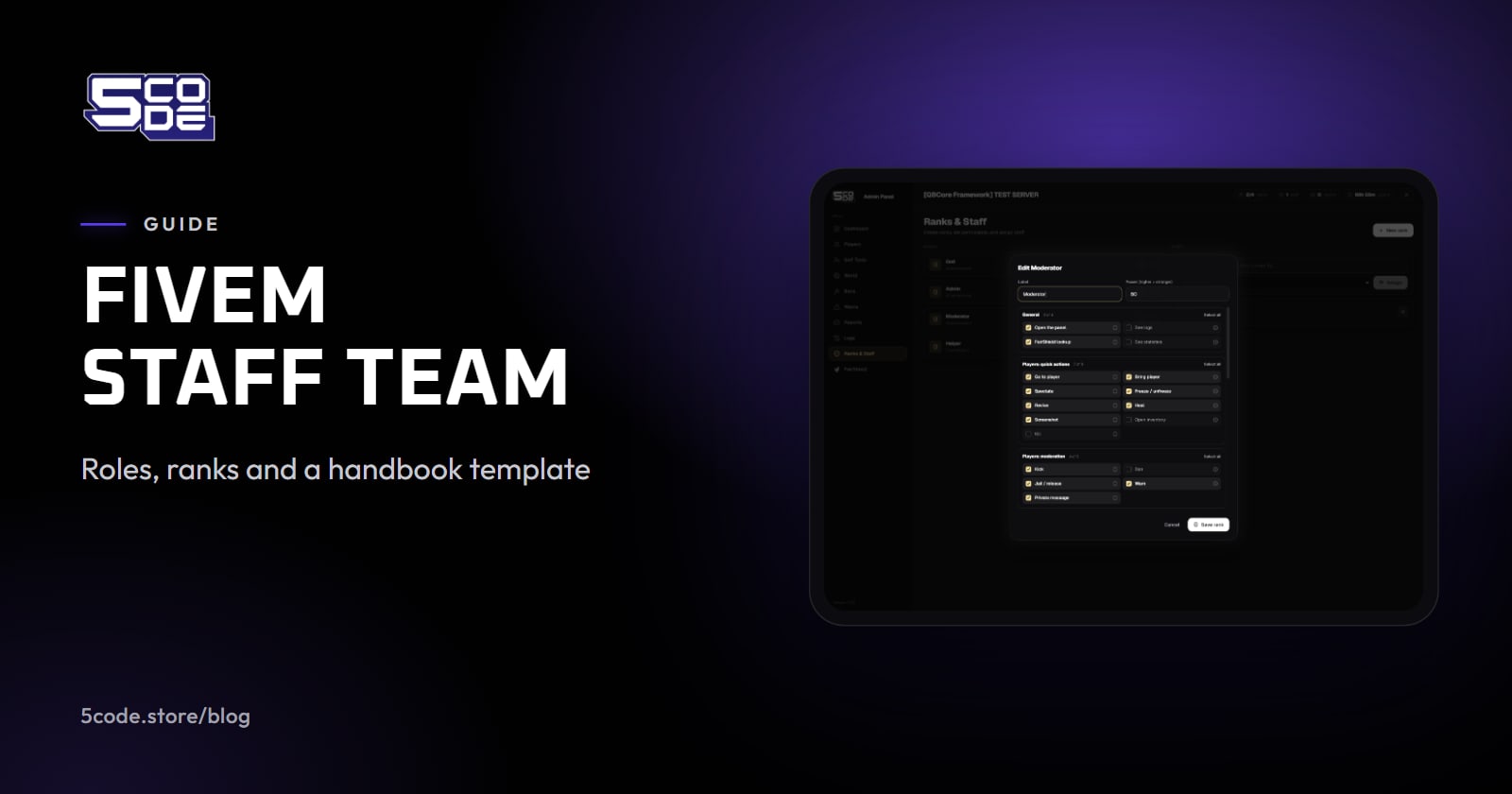
- Ranks with a power number. You create ranks in game, give each a power number that puts it in order, and tick what it may do. Staff never act on an equal or higher rank, so a moderator cannot kick or warn an admin. Of the four starting ranks (Helper, Moderator, Admin and God), a Moderator can warn, kick and jail, while banning, lifting bans and reading the log start at Admin.
- No climbing your own ladder. Staff give only permissions they hold and only ranks below their own, and nobody can change their own rank. The Staff list shows who added each member.
- A log of every staff action in the panel. Each line names the staff member and the action, and where there is one, the player and details such as the reason. Pick Ban and type a staff name to see one person's bans. Nobody can change or delete a log entry in the panel, but by default old log lines are cleared after a set number of days, so keep the review ahead of that. Bans, warns and tickets are kept.
- Staff statistics over 30, 60 or 90 days. Staff online by hour sits beside the players' busiest hours, and each staff member has a row for tickets claimed and resolved, and one for bans, warns and kicks.


What it does not do: it records only what goes through the panel. A ban or a kick from another tool is not in its log or its statistics, and nothing done from the server console counts as a staff action. The text of a private message is not in the log; a ticket keeps its own conversation. Super-admins are set in the server files and have no rank in the panel, so check those files too when someone leaves. Warns do not add up by themselves, so your bands stay a staff decision.
Where to go next
Copy the handbook outline, fill in the brackets, and give each rank on your FiveM staff team only what its row in the table says. Then put the first log review on the calendar. For the panel side, the Admin Panel staff guide walks a new staff member through a ticket and a sit.