Guides6 min read
FiveM police scripts: what a roleplay department needs
A police department on a FiveM server is a set of resources that have to agree with each other. This guide maps each part to where it usually comes from and shows what has to match between them.
Frida JoyPublisher at 5CODE
- Published
- Last updated
On this page7
The short version
FiveM police scripts are the resources that together make a working police department: a job with grades and duty, an armory, restraints, evidence, vehicles, a radio, and often an MDT and a dispatch board. The stock police job of QBCore, Qbox or ESX already covers most of the job side. Records and live calls come from separate resources, and every part has to agree on the same jobs and grades.
This guide is about a department of real players. Scripts that let one player work NPC callouts alone are a different category.
The QBCore, Qbox and ESX police jobs: what already ships
Each framework has an official police job that covers much of the list above.
- QBCore: qb-policejob. The QBCore docs for qb-policejob (opens in a new tab) say it "manages police functions and interactions", with a "Police stash, garage and armory", cuffing, and an "Evidence system including blood DNA drops and fingerprints". As of October 2026, the stock armory is a Police Shop in qb-shops, limited to the police job.
- Qbox: qbx_police. The qbx_police README (opens in a new tab) lists duty, a whitelisted armory, evidence lockers, a jail, radar, handcuffs as an item and fines. Its shared config (opens in a new tab) marks the armory, the stash and the evidence lockers as "Not currently used" and points each one to ox_inventory.
- ESX: esx_policejob. It now lives in the ESX-Legacy-Addons repository (opens in a new tab). Its README says it "adds police armories, vehicle garages and ability for cops to search, handcuff people and much more." Armory management is a config switch.
All three ship a job named police with five grades, from Recruit to Chief. Qbox also ships bcso and sasp, both with the same leo type as police.
For alerts, the QBCore and Qbox jobs have a /911p command that sends a message, with the caller's position, to officers on duty. None of the three framework police jobs includes an MDT or a dispatch board.
FiveM police scripts at a glance
| Part | What it does | Usually from |
|---|---|---|
| Job and grades | Ranks and pay, with a boss grade | The framework's jobs file or SQL |
| Duty | Clocks officers in and out | The framework job and the police job |
| Armory | Hands out weapons and gear | The police job or an inventory shop |
| Restraints | Cuffing and searching suspects | The police job |
| Evidence | Casings, blood, fingerprints and lockers | QBCore and Qbox police jobs; on ESX, a separate resource |
| Jail and impound | Sentences and seized cars | QBCore and Qbox police jobs; ESX has impound only |
| Traffic tools | Spike strips and roadside radars | Spike strips in all three police jobs; radars in QBCore and Qbox |
| Vehicles | Police cars per grade, and the garage | The police job with the framework garage |
| Radio | Department channels over voice | pma-voice and a radio resource |
| Alerts | A short message reaches officers | The QBCore and Qbox police jobs |
| Dispatch board | Open calls with positions and the units on them | A separate resource |
| MDT | People and plates to look up, reports, warrants | A separate resource, or a police app in your phone |
How the parts connect through the police job
The resources above decide who may use them by reading the player's job from the framework. They work together only when they read the same values.
- Job type. In the QBCore and Qbox code as of October 2026,
/911pgoes to on-duty players whose job type isleo, so a sheriff job of that type gets the calls. - Job names. In the stock qb-radio config (opens in a new tab), channels 1 to 10 are restricted to the
policeandambulancejobs, and ox_inventory names the jobs with access to its police armory and evidence lockers in one convar. A department added as its own job has to go into every list of names. - Duty. qb-radio counts a matching job only when the player is on duty, and a dispatch resource may filter by duty too. Decide whether officers start on duty at login or clock in at the station. On QBCore, that is the job's
defaultDutysetting. - Grades. A resource that works by rank, such as an armory with kits per grade, needs the grade numbers and names of your framework job.
- Items. Handcuffs, evidence bags, radios and weapons must exist as items in your inventory before any script can hand them out. The install guide shows where each framework defines them.
- Overlap. When a separate resource takes over a part, switch off the stock version, so officers have one armory and one way to raise an alert.
Armory and loadouts: handing gear out and getting it back
The stock armories are built to hand gear out. QBCore's Police Shop lists its items at price 0. With armory management switched on, esx_policejob keeps a shared stock that officers take weapons from and put back into. None of the stock setups takes a deposit or asks for the gear back at the end of a shift. A department can leave that to roleplay and supervisors, or have the game keep count.
Where 5CODE Loadouts fits
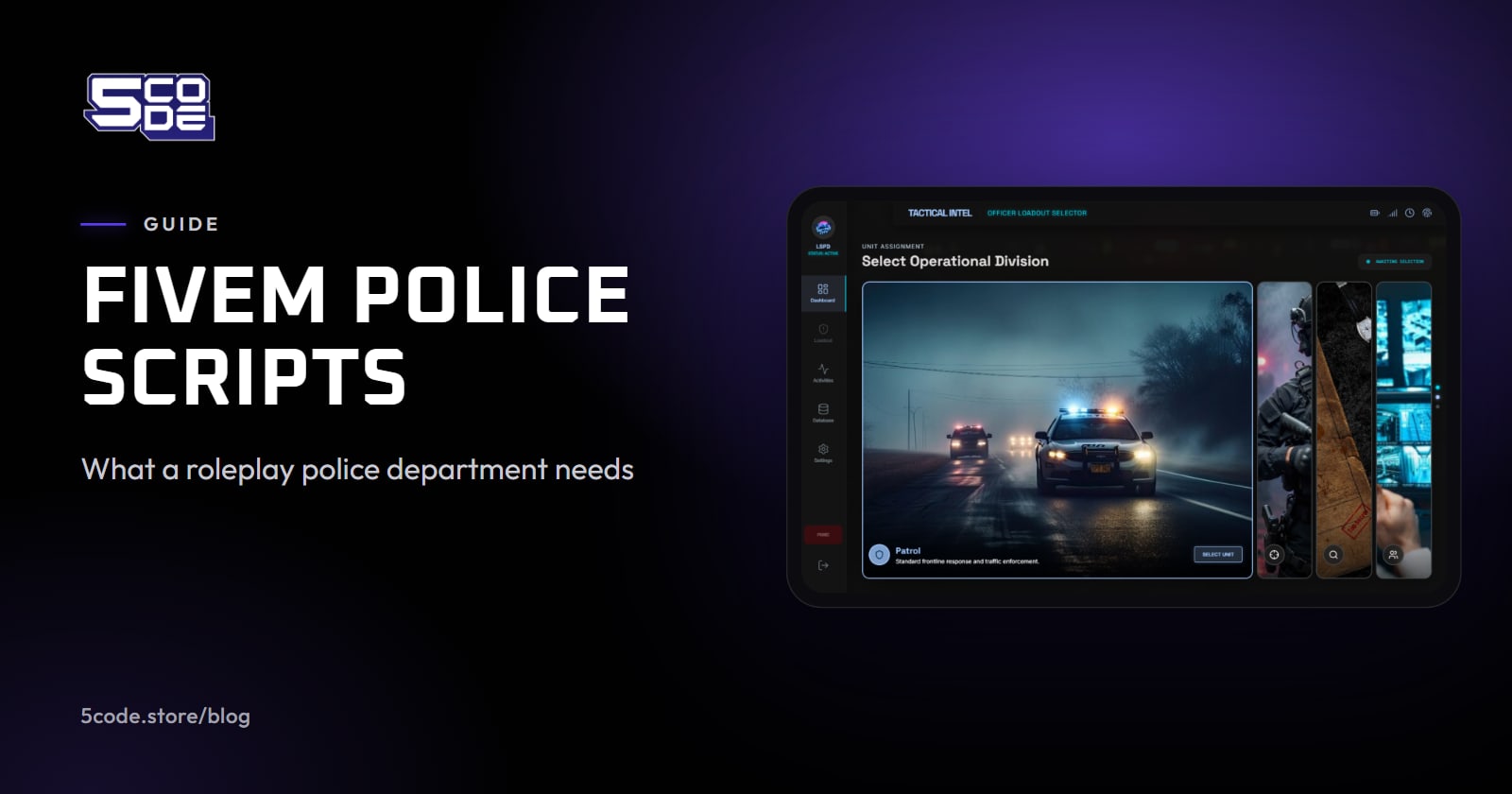
5CODE Loadouts is a police armory that keeps count. Officers walk up to an armory NPC and take a pre-built loadout for their unit. A deposit leaves their bank on deploy and comes back on return, minus a penalty for anything missing.
- One kit at a time. An officer cannot take a second loadout until the first one is returned at the armory.
- Disconnects. Log off holding a kit and the deployment stays open. Command is notified on Discord.
- A record. Every action is logged in game and to Discord. The activity log can be searched by officer, badge or citizen id.


Loadouts is the armory part only. It serves one job, set in its config (police by default), so a department run as a second job, such as Qbox's bcso, does not reach that armory. It supports QBCore, Qbox and ESX. It needs ox_inventory or codem-inventory, or qb-inventory on QBCore only, and it hands out only items already registered in that inventory. Duty, cuffs, evidence, vehicles and the radio stay with the resources above, and it is neither an MDT nor a dispatch board. How to set up police loadouts per unit covers the setup step by step, and the docs explain how the deposit and the return work.
MDT and dispatch: records and live calls
A dispatch board deals with what is happening now: alerts from other scripts, each with its position and the units on it. An MDT keeps what happened: people and plates to look up, reports, warrants and BOLOs. Some MDTs bring their own dispatch.
Before you add either, check four things:
- The framework list in the resource's own README. Third-party lists sometimes get this wrong, so read it at the source; what to check before you buy covers the rest.
- The job names it reads. A dispatch resource usually keeps its own list of jobs that receive alerts. It has to match your police jobs, sheriff included.
- How other scripts raise a call. Robbery and alarm scripts usually raise alerts through the dispatch resource they were written for, so check which ones your scripts support.
- Which dispatch the MDT reads, if the two are separate resources.
Do I need a separate dispatch script?
The stock /911p of QBCore and Qbox sends on-duty officers a message and the caller's position. For a board of open calls with the units on each, yes: you need a dispatch resource, or an MDT that brings its own. None of the three framework police jobs has one.
Does the default police job include an MDT?
No. None of the three framework police jobs includes one. Check the phone your server already runs first: on QBCore, the qb-phone of the official txAdmin recipe has MEOS, a police search app that its config labels MDT. Otherwise, an MDT comes from a separate resource.
Where to go next
Start from the stock police job of your framework. For ranks, training and the rules officers play by, see how to run police roleplay on a FiveM server. Write down the job names and grades every other resource has to follow, then add separate resources only where the stock job stops. If keeping count of gear is the gap, read how Loadouts ties into your job grades before you plan your units.